Blog
PDF Editor
Access every free PDF tool online you need right here, right now. OneClickPDF gives you 59 powerful tools to merge, compress, convert, sign, edit, and enhance PDF documents. No account. No watermark. No ads. Your files never leave your browser.
 PDF Editor
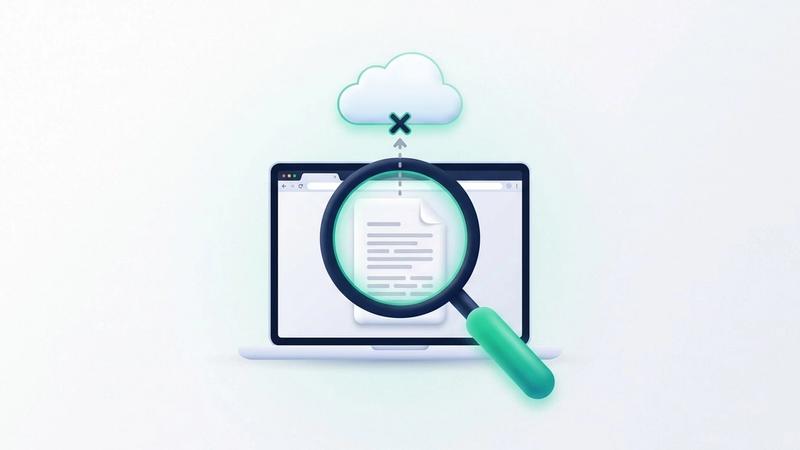
How to Tell if an Online PDF Tool Uploads Your File: A 1-Minute Test
Privacy pages make promises; your browser shows what actually happens. Two checks, about a minute each, tell you whether a PDF tool sends your file to a server: the Network tab on a computer, and a practice run followed by an offline run on any device, phones included.
Emily Clarke
 PDF Editor
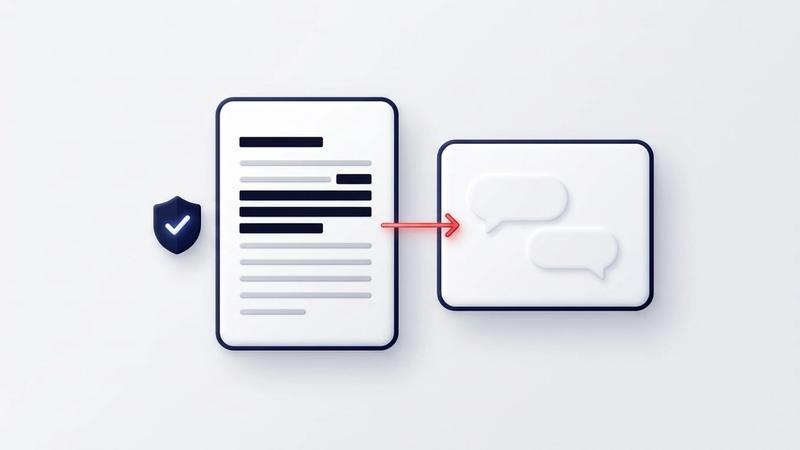
Is It Safe to Upload a PDF to ChatGPT? What It Keeps, What to Hide
Before you ask ChatGPT about a payslip, contract or offer letter, check what OpenAI says it keeps and black out what the assistant doesn't need. Step by step, in your browser, with what the AI can still read afterwards.
Emily Clarke
 PDF Editor
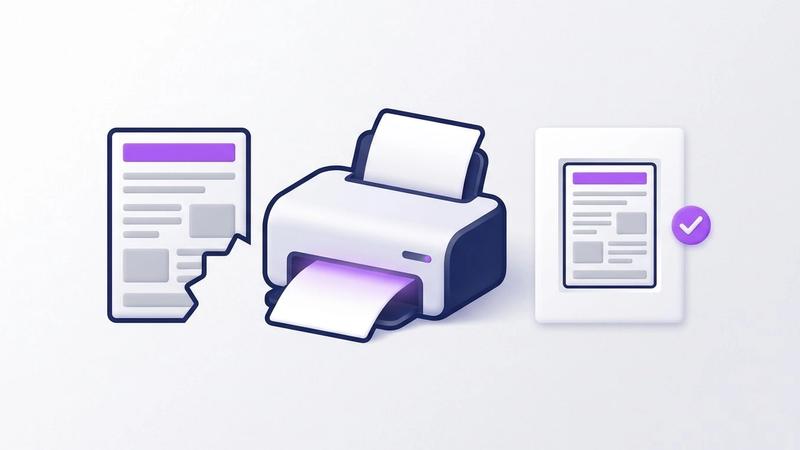
PDF Prints Cut Off or Too Small? How to Fix the Page Size
A PDF that prints with its edges missing, or shrunk into the middle of the sheet, almost always comes down to the page size, the paper and the scale setting disagreeing. Here is how to tell which one, fix it in the print dialog, and fix the file so it prints right for everyone.
Emily Clarke
 PDF Editor
How to Rotate a PDF in Firefox and Save It the Right Way Up
Firefox's PDF viewer turns pages with one key, but the saved file comes back sideways. Here's the shortcut, why the turn isn't kept, and how to save a PDF the right way up without installing anything.
Emily Clarke
 PDF Editor
How to Sign a PDF on Windows 10 or 11 for Free, Without Acrobat
Windows has no PDF signing app of its own, but you don't need Acrobat. Here are three free ways to sign a PDF on a Windows 10 or 11 laptop, what each one gives you, and which to pick for a contract, a form or a quick reply.
Emily Clarke
 PDF Editor
Why Is My PDF So Big? Six Causes and What Fixes Each
Words take almost no space in a PDF. Photos, scans, whole fonts, attached files and leftovers from old saves do. Here is how to find which one is behind your big file, what each fix gave us on a real example, and which fixes keep your text selectable.
Emily Clarke
 PDF Editor
What Is PDF Metadata? What It Reveals About You and How to Check
Every PDF carries properties you never see on the page: often your name, the time you made it, the app you used, sometimes the folder it came from. Here's what PDF metadata is, how to check it, and what clearing it really removes.
Emily Clarke
 PDF Editor
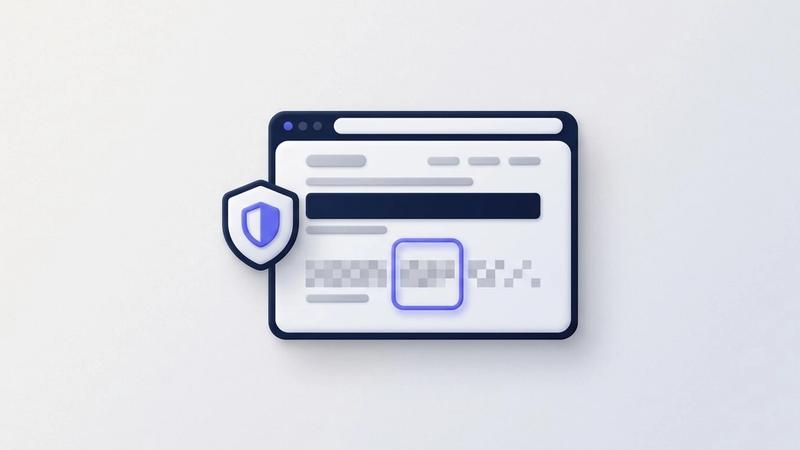
How to Blur Part of a Screenshot in Chrome (and When to Black It Out)
Before you share a screenshot, hide the email, phone number or card details in it. Here's how to blur or black out part of a screenshot in Chrome, why blurred text isn't always gone, and a checklist of what people forget to hide.
Emily Clarke
 PDF Editor
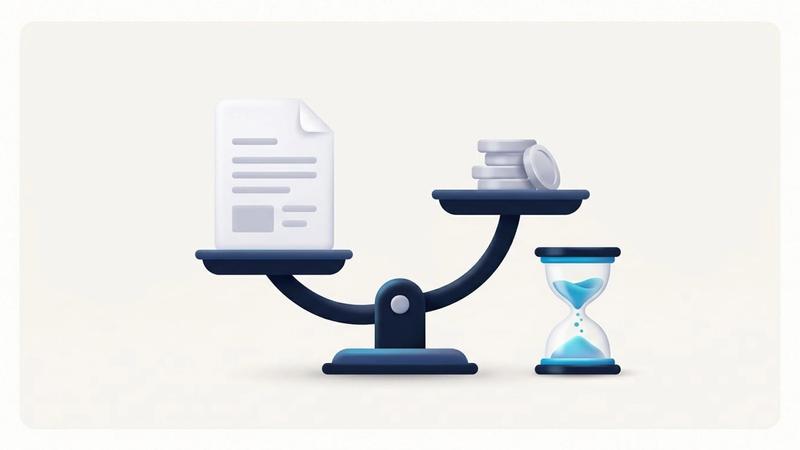
Online PDF Tools Pricing Compared: Smallpdf, iLovePDF, Sejda, PDF24
What the free plans of Smallpdf, iLovePDF, Sejda, PDF24 and Adobe actually limit, what their paid plans cost in the UK and US, and where your file goes. Every figure is from the vendor's own page, checked on 26 October 2026.
Emily Clarke
 PDF Editor
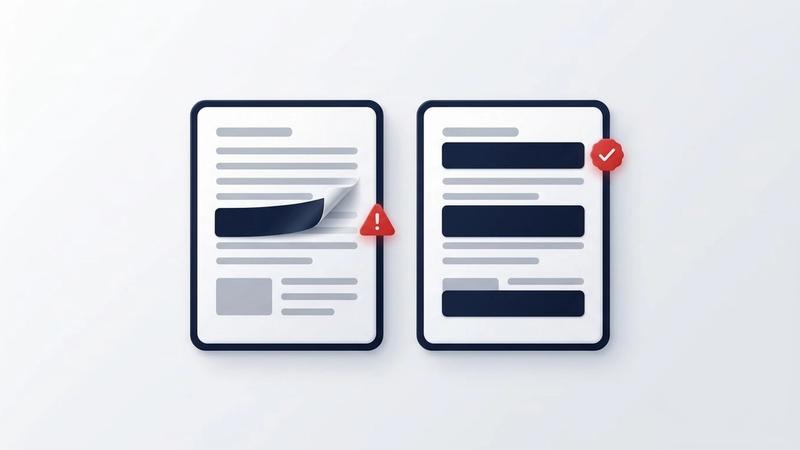
Can You Remove Redaction From a PDF? Only If It Was Done Badly
A properly redacted PDF can't be unredacted: the hidden words are no longer in the file. A black box drawn on top of text is another story. Here is why redactions fail, the leaks people miss, and how to redact a PDF in your browser so nothing comes back.
Emily Clarke
 PDF Editor
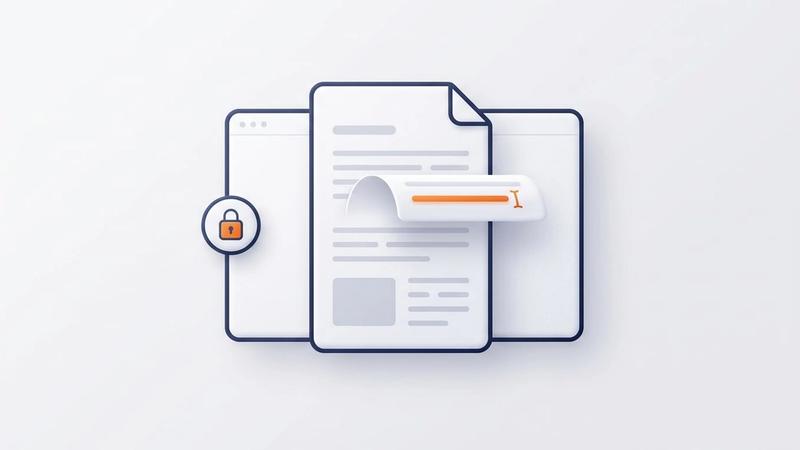
Edit PDF Online Free, No Sign-Up: Change the Real Text
Most free online PDF editors paste a white box over your words and upload your file. Our rebuilt Edit PDF changes the PDF's own text, in its original font, right in your browser — no sign-up, no watermark, no upload.
Emily Clarke
 PDF Editor
How to Sign a PDF in Google Drive Free (3 Methods)
Learn how to sign a PDF in Google Drive using Google eSignature, a Drive add-on, or a free browser tool. Works with free Gmail accounts. No sign-up needed.
Aqeel Waris
 PDF Editor
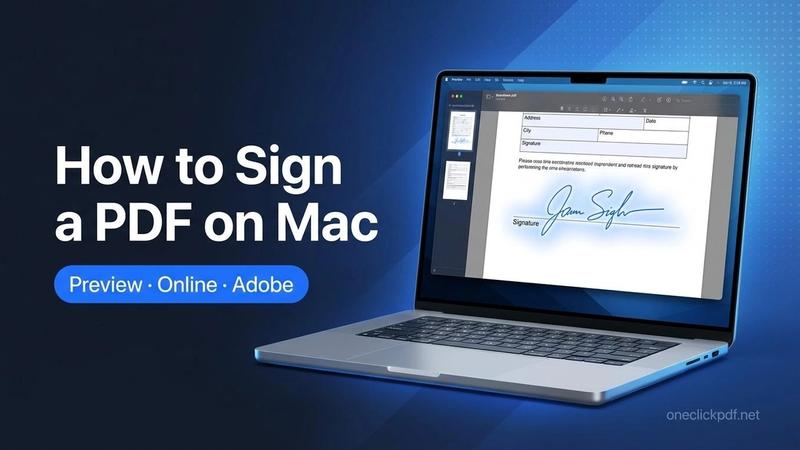
How to Sign a PDF on Mac: Preview, Online & Adobe
Sign a PDF on Mac using Preview, OneClickPDF in Safari, or Adobe Acrobat. Step-by-step guide, comparison table, and tips for all 3 methods. Free & fast.
Aqeel Waris
 PDF Editor
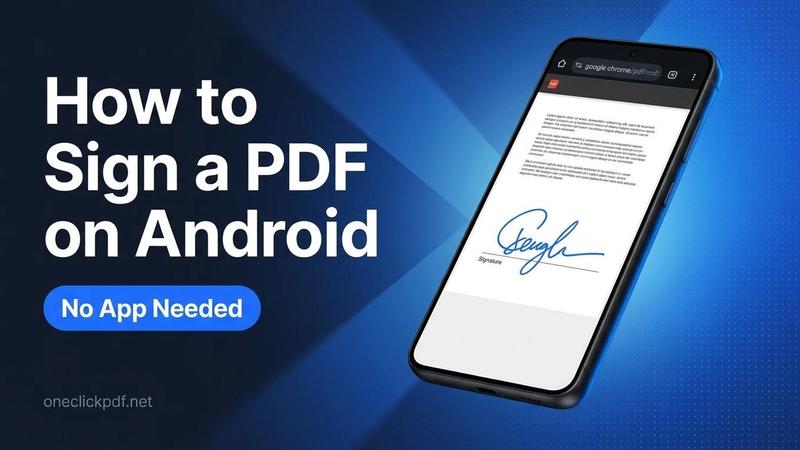
How to Sign a PDF on Android (No App Needed)
Sign a PDF on Android in seconds - no app needed. Use Chrome, draw your signature, download instantly. Free, private, works on any Android device.
Aqeel Waris
 PDF Editor
How to Sign a PDF on iPhone
Sign a PDF on iPhone in seconds - no app needed. Use Safari, Apple Markup, or Files app. Free, private, works on any iPhone or iPad model. Try now.
Aqeel Waris