
Blog
PDF Conversion
 PDF Conversion
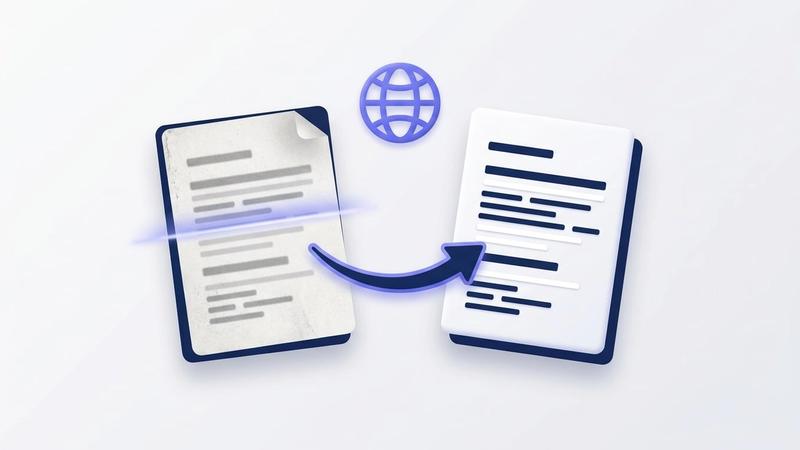
How to Translate a Scanned PDF: Run OCR First, Then Translate
If a PDF translator says it found no text, your PDF is a scan: a picture of a page. Here is the two-step fix: free OCR in your browser to make the words readable, then translation into 40+ languages, with the first page free.
Emily Clarke
 PDF Conversion
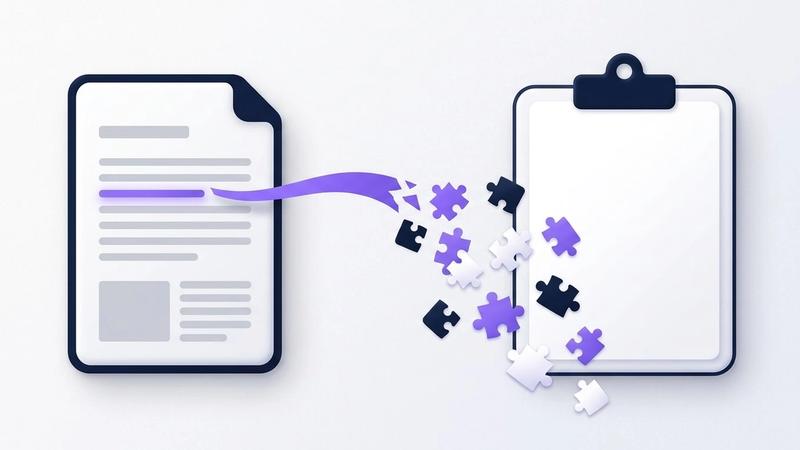
Why Can't I Copy Text From a PDF? Scans, Locks and Broken Fonts
Nothing highlights, Copy is greyed out, or the text pastes as symbols: each points to a different cause. Here is a 30-second test to tell them apart, the fix for each, and the one thing not to do with a PDF that blocks copying.
Emily Clarke
 PDF Conversion
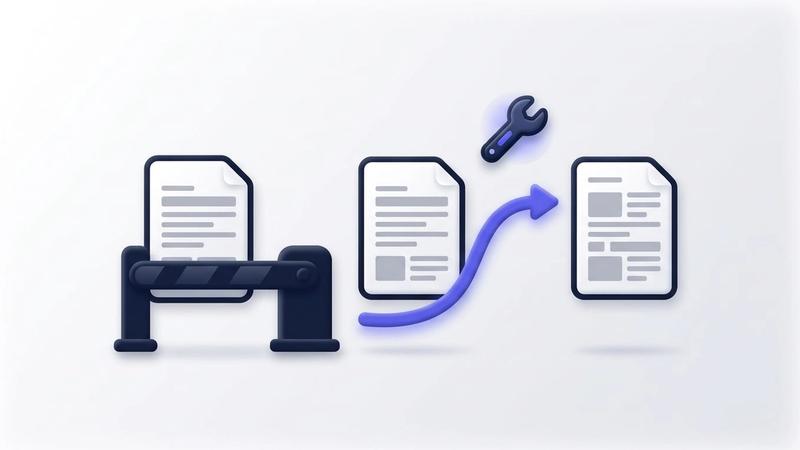
Google Translate PDF Not Working? 5 Causes and How to Fix Each
When Google Translate won't take your PDF, or hands it back untranslated, one of five limits on Google's own help page is almost always the reason. Here is how to tell which one, how to fix it, and another way to translate the PDF that doesn't upload the file.
Emily Clarke
 PDF Conversion
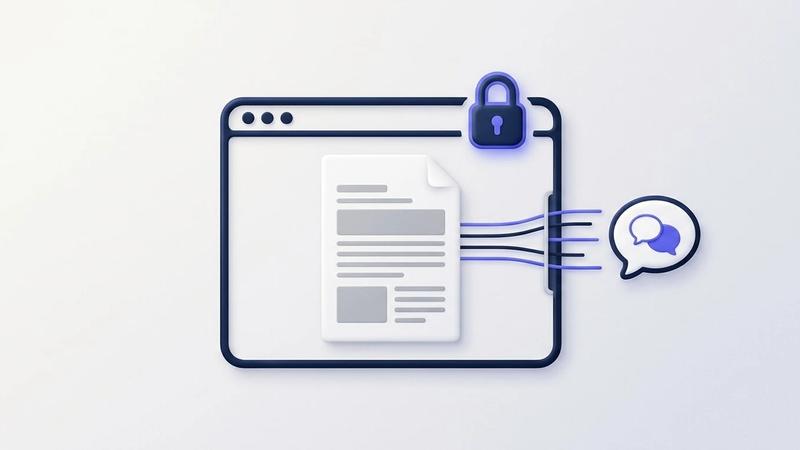
Is It Safe to Translate a Confidential PDF Online? What Gets Sent
Before you translate a contract, medical letter or HR file online, check what actually leaves your device and what the service says it does with it. We compare Google Translate, DeepL, Word and OneClickPDF, and show how to remove names before you translate.
Emily Clarke
 PDF Conversion
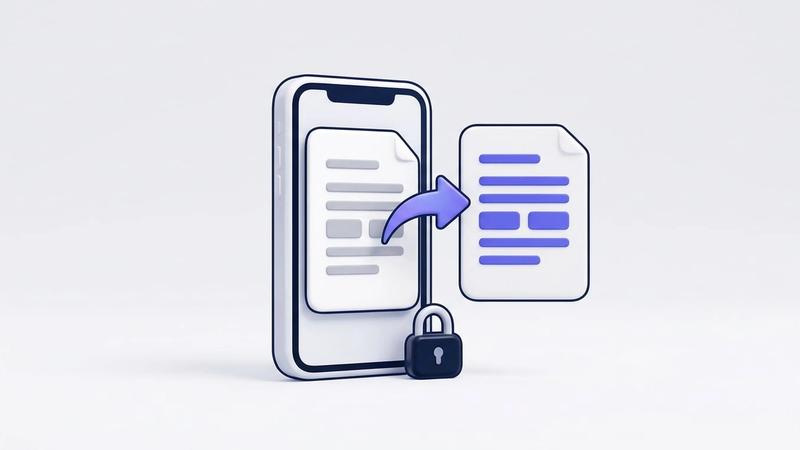
How to Translate a PDF on Your Phone: iPhone and Android, No App
Google Translate's document feature doesn't work on phones, and most PDF apps want a subscription. Here's how to translate a PDF in your phone's browser: get the file in, check the free first page, pay $0.99 only if you need the rest, and find the download.
Emily Clarke
 PDF Conversion
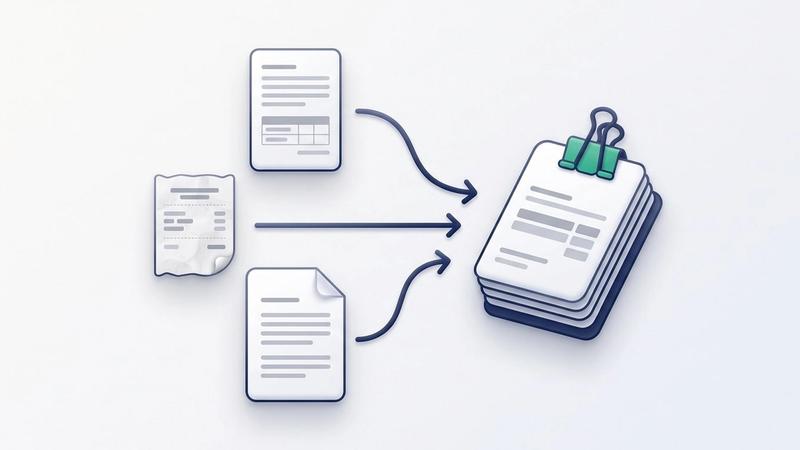
Combine Word, JPG and PDF Files Into One PDF in 3 Steps
A merge tool joins PDFs, so a Word file and phone photos need turning into PDFs first. Here is the three-step route, which step sends your file to a server, and what the finished PDF keeps.
Emily Clarke
 PDF Conversion
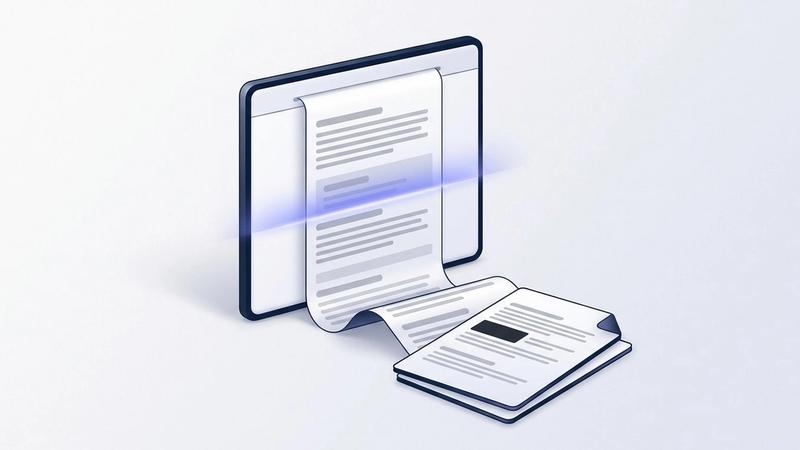
Save a Full-Page Screenshot as PDF in Chrome: ScreenSnap 1.3.0
How to capture a whole webpage in Chrome and save it as a PDF with ScreenSnap, a free extension: page sizes, hiding personal details, when a screenshot PDF is the wrong tool, and what changed in version 1.3.0.
Emily Clarke
 PDF Conversion
How to Convert PDF to Word Free in 2026
Need to edit a PDF but it won't let you? Converting it to a Word document (.docx) is the fastest way to regain full editing control — and in 2026, you can do it in under ten seconds, completely free, without creating an account or sending your file to anyone's server.
Aqeel Waris