Is It Safe to Translate a Confidential PDF Online? What Gets Sent
Before you translate a contract, medical letter or HR file online, check what actually leaves your device and what the service says it does with it. We compare Google Translate, DeepL, Word and OneClickPDF, and show how to remove names before you translate.
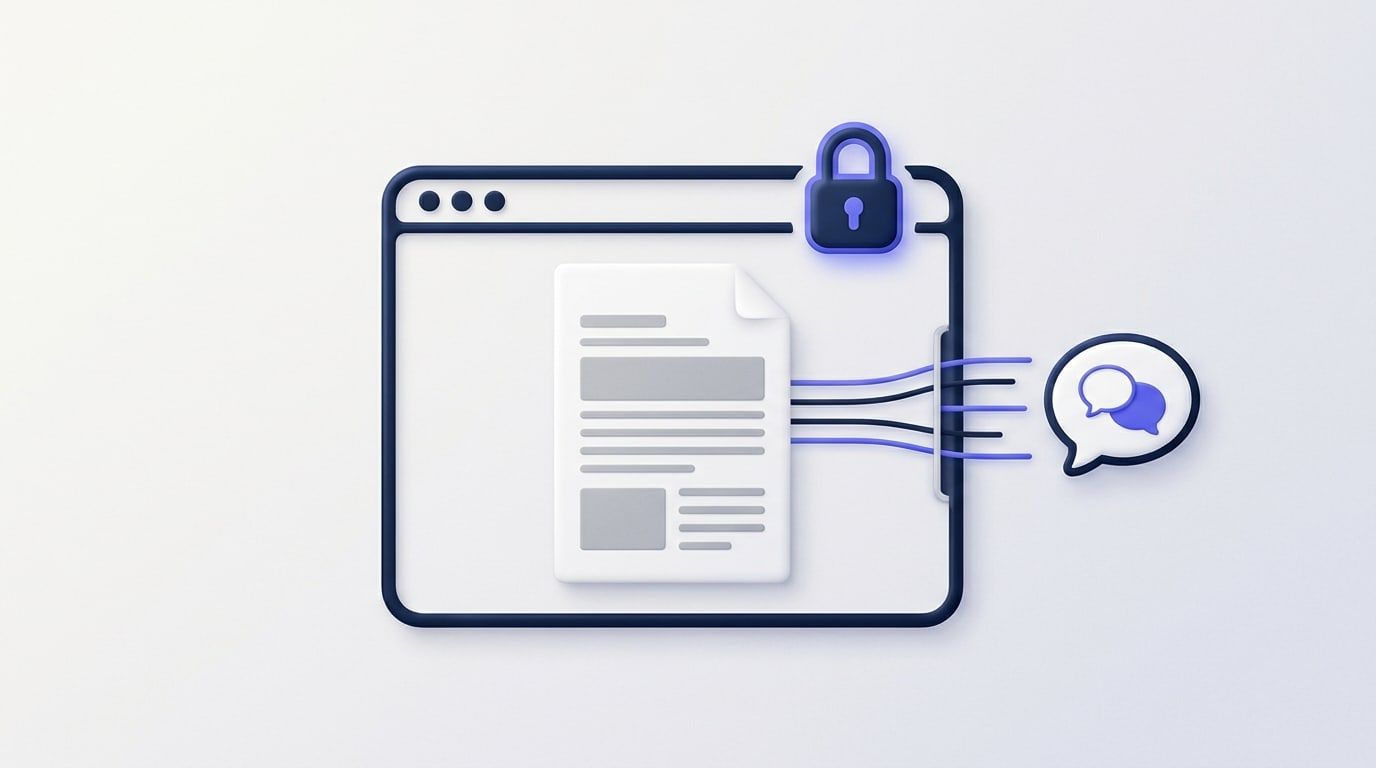
Is it safe to translate a confidential PDF online? It can be, if you know three things: what leaves your device, who receives it, and what they say they do with it. Those answers differ a lot between services. With some, the whole file goes to the service. With others, only the text goes, and the plan you're on decides whether that text is kept or used for training.
This guide compares four common options, using each company's own pages (checked 27 October 2026). It then shows how to send less in the first place.
What "online" means for a PDF translator
When you translate a PDF online, one of three things leaves your computer:
- The whole file. The text, images, signatures, hidden metadata (such as the author's name) and anything else inside it.
- Only the text. The PDF is read on your device and just the words are sent to be translated.
- Nothing. The translation runs entirely on your own computer, so it works offline. That's the only option where no one else sees the words.
For a confidential document, the second option is a real step down in what you share, but it isn't the third. The words are usually what's confidential.
What each service does with your document
What you send, and what each company's own page says it does with it:
- Google Translate (website). You send the whole file: up to 10 MB, PDFs up to 300 pages, on a computer only (Google says document translation "isn't available on smaller screens or mobile"). Its help page on document translation sets those limits but doesn't say how uploaded files are kept, so Google's general privacy policy is what applies.
- DeepL, free. You send the whole file. DeepL's privacy policy (last updated October 2026) says it processes free-service content "for a limited period of time" and uses it to train and improve its networks.
- DeepL Pro. You send the whole file. The same policy says Pro documents are kept only temporarily, deleted once the translation is done and not used to improve the service. If your firm already pays for it, that's a reasonable choice for a whole file.
- Microsoft Word, Translate Document. The document's text goes to Microsoft Translator. Microsoft says Office apps, Word included, are "no-trace" by default: translated content isn't logged and isn't used to improve the service. It suits you if you already have Word: to translate a PDF you open it in Word first, which converts it into an editable document, and the layout may not come out exactly the same.
- OneClickPDF Translate PDF. Only the extracted text goes, through our server, to Google Gemini. We don't store it. Google says paid-tier prompts aren't used to improve its products, but they are logged for a limited time to detect misuse. The details are in the next section.
What OneClickPDF's Translate PDF sends, exactly
Translate PDF reads your PDF in the browser and pulls out its plain text. The file itself, its images and its layout stay on your device. When you press Translate, only that text goes through our server to Google Gemini, and the translation comes back to your browser. There, it's laid out on new pages the same size as the original, and you download it.
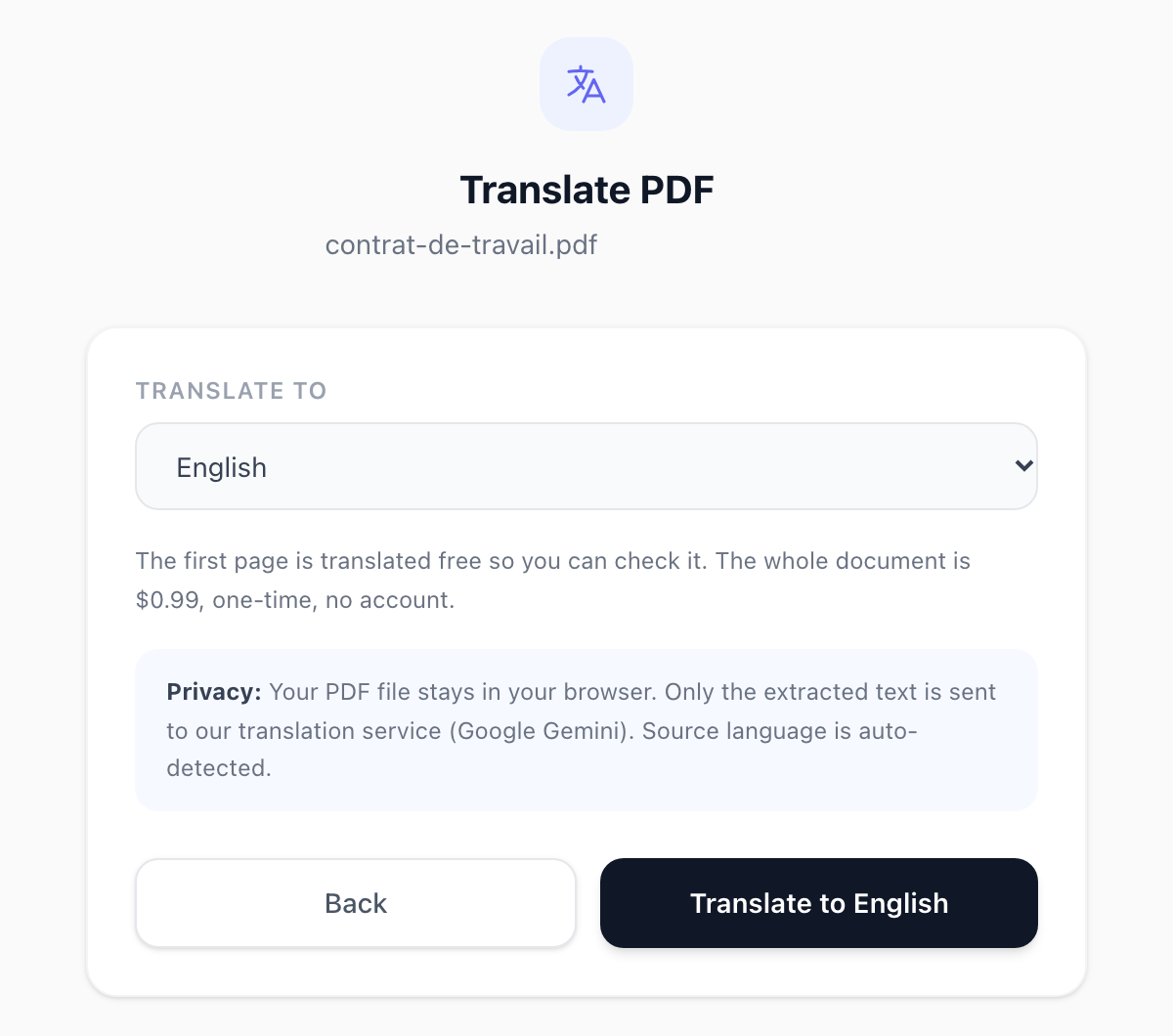
What happens to that text:
- We don't store it. We don't store the translation either. We keep only a count of free pages per connection, for 24 hours, and the balance of a paid translation.
- Google doesn't use it for training. We use Gemini on Google's paid tier. Google's Gemini API terms say it doesn't use paid-tier prompts or responses to improve its products.
- Google does keep a log. It logs prompts and responses for a limited time to detect misuse. Google's usage policies page says these logs are kept for 55 days, and authorised Google employees may review them for that reason only.
It isn't free for a whole document. The first page with text is free (up to 5,000 characters, up to 3 free pages a day). Then $0.99 translates up to 150,000 characters, about 50 pages. The output is plain translated text, not a copy of the original layout.
Send less: remove names before you translate
Most of the time you need a contract or a letter translated to understand what it says, not who it names. So black out the parts that identify people before any translator sees them:
- Open the PDF in Redact PDF. It runs in your browser and the file isn't uploaded.
- Choose Find Text, type a name, an address or an account number exactly as it appears on one line, and press Add to Redactions (the button shows how many matches it found). Repeat for each detail. Use Draw for signatures and photos.
- Press Apply & Download. Every page of the new file is an image, and the covered text is gone from it, not just hidden.
- Open the redacted copy in Translate PDF, pick a language and press Translate. Because its pages are now images, it shows a "This PDF is a scan" card. Press Read the scanned text and it reads the words on your device first. Only the recognised text is sent, and the blacked-out details aren't in it.
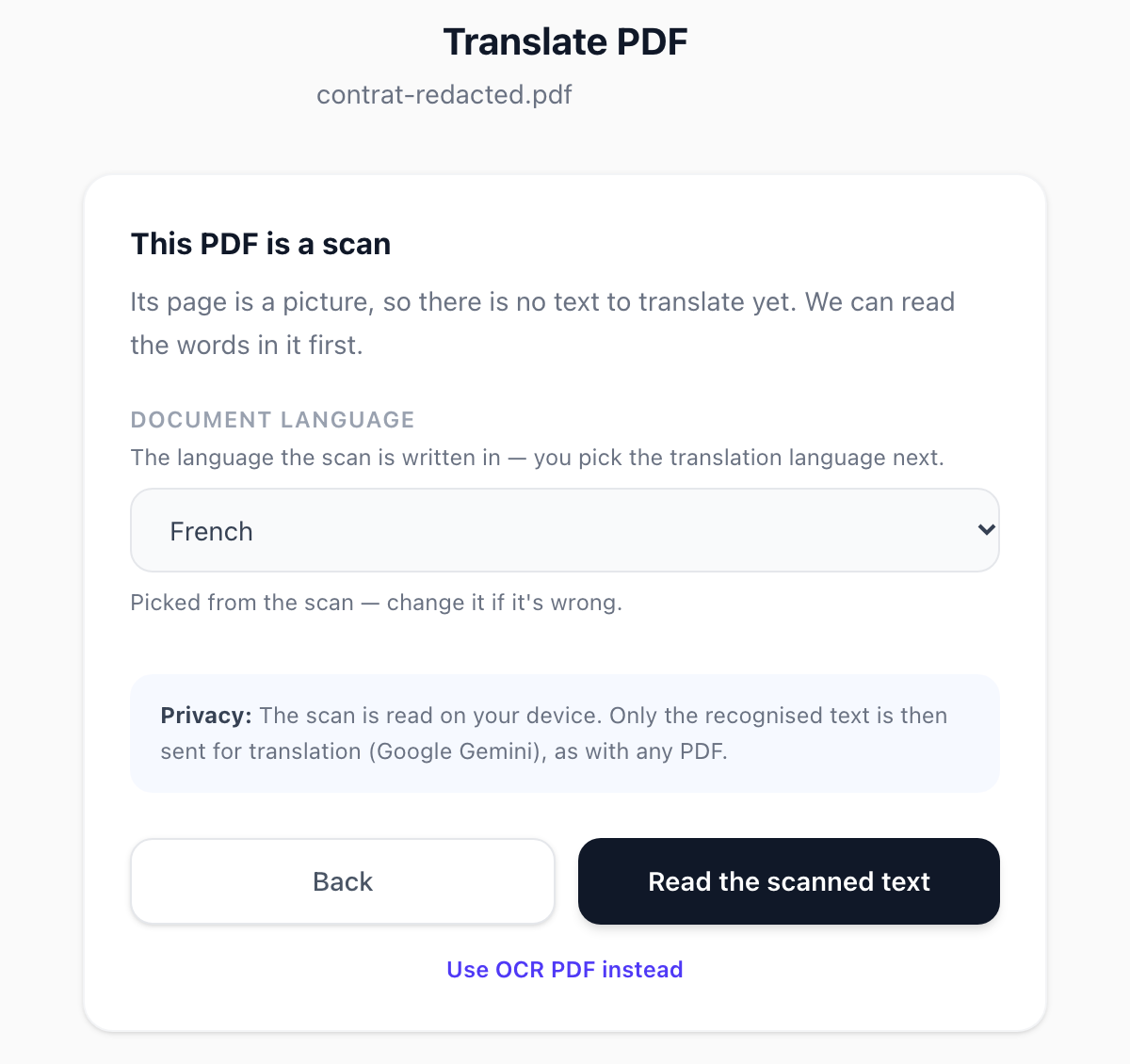
Two things to know. Reading a scan can introduce small mistakes, so check names of places and figures in the result. Scan reading covers 16 languages (the same ones as OCR PDF). If your document is in another language, this route won't work for it.
When not to use any online translator
Some documents shouldn't reach any outside service, whatever its policy says:
- material under a non-disclosure agreement, unless it allows this;
- client files when your firm's rules or the client's contract say they must stay in-house;
- health records or other sensitive personal data you're responsible for;
- anything that needs a certified or legally binding translation.
For these, ask whoever owns the document first. Use a translator your organisation has approved, or a professional translator who signs a confidentiality agreement. Machine translation is good for understanding a document. It can still get legal wording and specialist terms wrong, so don't rely on it alone where the exact meaning matters.
If you're not sure what a website really sends, you can check any PDF tool yourself with our one-minute upload test.
The short answer
- Safest: a translator that runs on your own computer, or a human translator under a confidentiality agreement.
- Next best: send only the text, on a service that says it doesn't train on it, after you've blacked out the names. Translate PDF sends only the text, to Gemini's paid tier, and Redact PDF takes the names out first.
- Avoid for confidential files: free services whose own policy says they use your content to improve their product.
Frequently Asked Questions
Is there a PDF translator that doesn't upload the file?
Does Google use the text I translate with OneClickPDF to train its AI?
Is DeepL safe for confidential documents?
Does OneClickPDF keep a copy of my translation?
How much does it cost to translate a whole PDF?
Try these tools next
Translate PDF
Translate a PDF into 40+ languages with Google Gemini. First page free, then $0.99. Your file stays in your browser; only its text is sent.
Redact PDF
Permanently black out names, account numbers, addresses, or any sensitive content before sharing. Redactions are baked into the file — not just overlaid.
OCR PDF
Turn scanned PDFs and image files into searchable, editable text using Optical Character Recognition (OCR) for a live preview. Supports 16 languages.